Amazon Offer Processing Fee on Bank Discounts: Your Real Saving
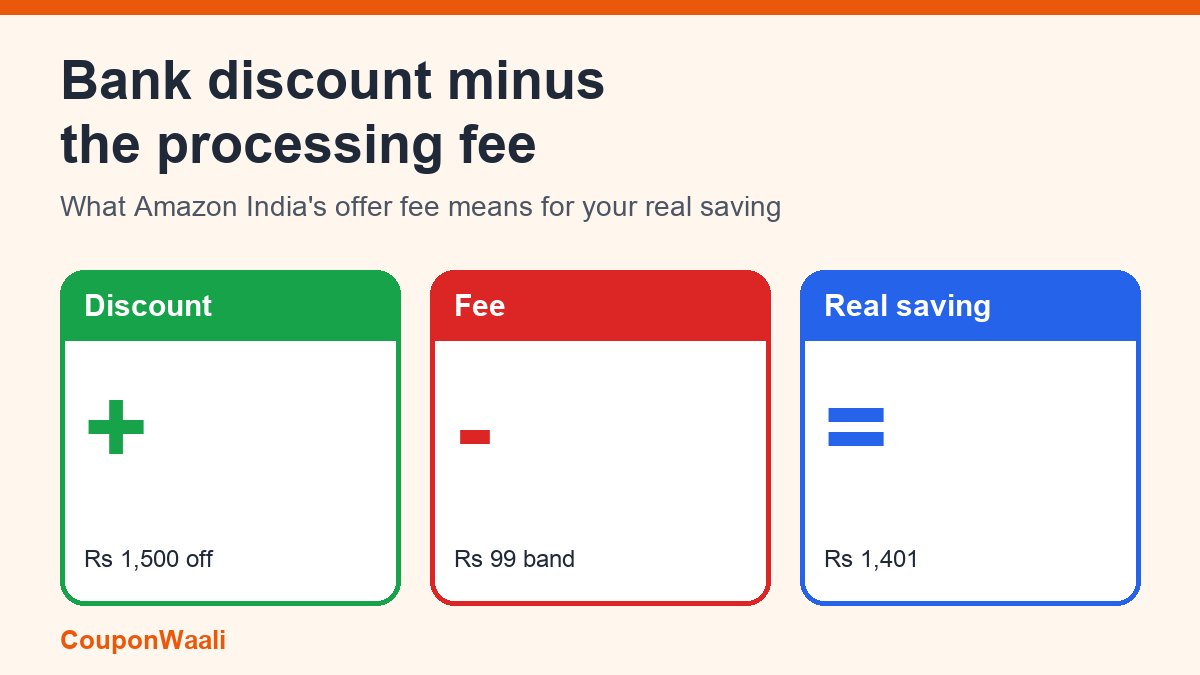
You pick an eligible card on Amazon.in, the price drops by a bank discount, and it feels like free money. Then you find that Amazon's help page describes a small extra charge for these offers, called an "offer processing fee". It is not a hidden trick; Amazon documents it openly. But it changes what a bank discount is really worth, especially when the discount is small.
The short answer: according to Amazon India's Instant Bank Discounts help page, when your bank discount is ₹25 or more, Amazon charges an offer processing fee of ₹9 to ₹199 depending on the size of the discount. The fee applies to Prime members too, and it is non-refundable once the order ships. Your real saving is the discount minus the fee, so a ₹1,500 discount nets ₹1,401, not ₹1,500. Below is the full fee table, worked examples, and a quick way to decide whether an offer is still worth using.
Scope note: everything about the fee below comes from Amazon India's Help page as read on 12 November 2026. Amazon can change these amounts at any time, and other shopping apps have their own rules, so always check the offer details and the final payment page for your own order.
What the offer processing fee is
Amazon describes the fee as a charge for "aggregating, managing and processing bank discount offers". It is based on the value of the bank discount you get, not on the price of the item. Amazon's page lists these bands:
- Discount below ₹25: fee ₹0
- ₹25 to under ₹300: fee ₹9
- ₹300 to under ₹500: fee ₹29
- ₹500 to under ₹1,000: fee ₹49
- ₹1,000 to under ₹1,500: fee ₹69
- ₹1,500 to under ₹3,000: fee ₹99
- ₹3,000 and above: fee ₹199
Two details matter. First, the page says the fee applies to orders where the bank discount is ₹25 or more, for all customers including Prime. Second, it says the fee is non-refundable once your order is shipped. The page does not say what happens if you cancel before shipping, so check the refund breakdown on your own order instead of assuming.
Worked examples: what you really save
Take the fee bands above and subtract them from the discount. These are simple calculations from Amazon's table, not extra Amazon rules:
- ₹200 discount: fee ₹9, net saving ₹191 (the fee eats 4.5% of the discount).
- ₹750 discount: fee ₹49, net saving ₹701 (6.5%).
- ₹1,200 discount: fee ₹69, net saving ₹1,131 (5.8%).
- ₹2,000 discount: fee ₹99, net saving ₹1,901 (5.0%).
- ₹3,500 discount: fee ₹199, net saving ₹3,301 (5.7%).
Amazon's own example on the same page is a 5% instant discount on a ₹40,000 phone: a ₹2,000 discount, so you pay ₹38,000 for the product. Apply the fee table and the same offer is really a ₹1,901 saving, about 4.75% instead of 5%. That is still a good deal, but it is the number to use when you compare it with a competing offer.
The band edges can cost you
Because the fee jumps in steps, a discount that is slightly bigger can leave you with a smaller net saving. At a ₹1,499 discount you pay a ₹69 fee and keep ₹1,430. At ₹1,500 the fee is ₹99 and you keep ₹1,401. The same happens at ₹3,000, where the fee goes from ₹99 to ₹199. You cannot choose your discount amount in most cases, but it explains why the "extra ₹1 off" in a sale does not always help, and why you should never compare offers by headline discount alone.
Is a bank discount still worth using?
A simple rule: net saving = bank discount − processing fee, then compare it with your best alternative.
- Small discounts: a ₹30 discount with a ₹9 fee nets ₹21. If using the offer forces you to switch to a card you would not normally use, or to give up a better reward rate, the saving can vanish.
- Cashback or reward cards: if your usual card earns more than the net saving on this purchase, use your usual card. Our guide to reward points vs cashback on Indian credit cards shows how to compare them.
- Big-ticket items: the fee is a small share of a large discount, so the offer usually stays attractive. Still, check it against the exchange and EMI terms covered in how to work out the real price of a phone in a sale.
Why you may not get the bank discount at all
Amazon's help page lists several reasons an eligible-looking purchase does not get the instant discount:
- Payment method: Card on Delivery and net banking transactions do not get the Instant Bank Discount. Pay with the eligible card on the payment page and pick the offer there.
- Commercial or corporate cards are not eligible; the offer needs a retail card of the bank.
- EMI: whether the discount works with EMI, an exchange offer or No Cost EMI depends on the offer terms. Do not assume it stacks.
- Minimum order value differs by category. Amazon's example is a phone qualifying at a ₹5,000 minimum while a grocery item needs ₹2,500, with different maximum discounts. A bigger cart alone does not give you a discount; you must pay through the offer running on your card.
- New or unused card: if you have never paid online with a card, enable online transactions with your bank first.
- Add-on cards count as separate cards for these offers.
If the discount still does not appear, our checklist on why a bank offer is not applying at checkout walks through the fixes.
What happens if you cancel or return
Per Amazon's page, the Instant Bank Discount applies only to successful transactions. If you cancel the order or return the product, the refund is calculated after adjusting for the instant discount you received. In plain terms: you get back what you actually paid, not the full list price. Add the non-refundable fee rule and a return of a discounted item can cost you the fee you paid for the offer.
Coupon, promo code and bank discount are three different things
The fee is a bank-discount detail, so do not mix it up with the other discount types on the same page:
- Bank discount: applied on the payment page for an eligible card, and no promo code is needed. Depending on the offer, Amazon says you may be able to combine it with promo codes if every term is met.
- "Collect Coupon" discounts: there is no code to copy. You click Collect, and the discount is applied at checkout. Amazon's coupon FAQ says the discount covers only one unit: a 10% coupon on a ₹100 item bought four times (₹400) gives ₹10 off, not ₹40. A collected coupon is also tied to the seller it was collected from.
- Promo codes: Amazon's promotions page notes that promo codes cannot be used to buy gift cards, and that Amazon Pay cashback offers apply only to prepaid orders.
The coupon and promotions pages we read do not mention an offer processing fee for coupons or cashback. If you want the full picture of how instant discounts and cashback differ, see instant discount vs cashback vs no-cost EMI explained, and for sale-time rules see how the Big Billion Days and Great Indian Festival sales work.
A 30-second checklist before you pay
- Note the bank discount shown for your card and find its fee band in the list above.
- Subtract the fee: that is your real saving.
- Compare it with your normal card's reward or cashback and with the price on other sellers.
- Confirm the payment method is eligible (not net banking, not Card on Delivery, not a corporate card).
- Read the final payment summary line by line before confirming, and keep the order page for your records.
Frequently asked questions
Do Prime members pay the offer processing fee? Yes. Amazon's page says the fee applies to all customers including Prime, whenever the bank discount is ₹25 or more.
Is the fee charged on every discount? No. According to the page, a discount below ₹25 carries no fee, and the fee is tied to bank discounts rather than to coupons or cashback.
Can I get the fee back? The page says it is non-refundable once the order is shipped. For anything order-specific, contact Amazon customer service from your account.
Sources
- Amazon.in Help: Instant Bank Discounts (IBD) - Frequently Asked Questions (fee bands, eligibility, cancellations; read 12 Nov 2026).
- Amazon.in Help: Coupons - FAQ (collect-and-apply coupons, one-unit rule; read 12 Nov 2026).
- Amazon.in Help: Promotions, Offers and Deals (promo codes, gift cards, Amazon Pay cashback; read 12 Nov 2026).
CouponWaali is an independent guide and is not affiliated with Amazon. Offer terms change often, so treat this article as an explanation of how the rules work and check the live offer page before you buy.