Cashback Not Credited? How Long It Takes and What to Do
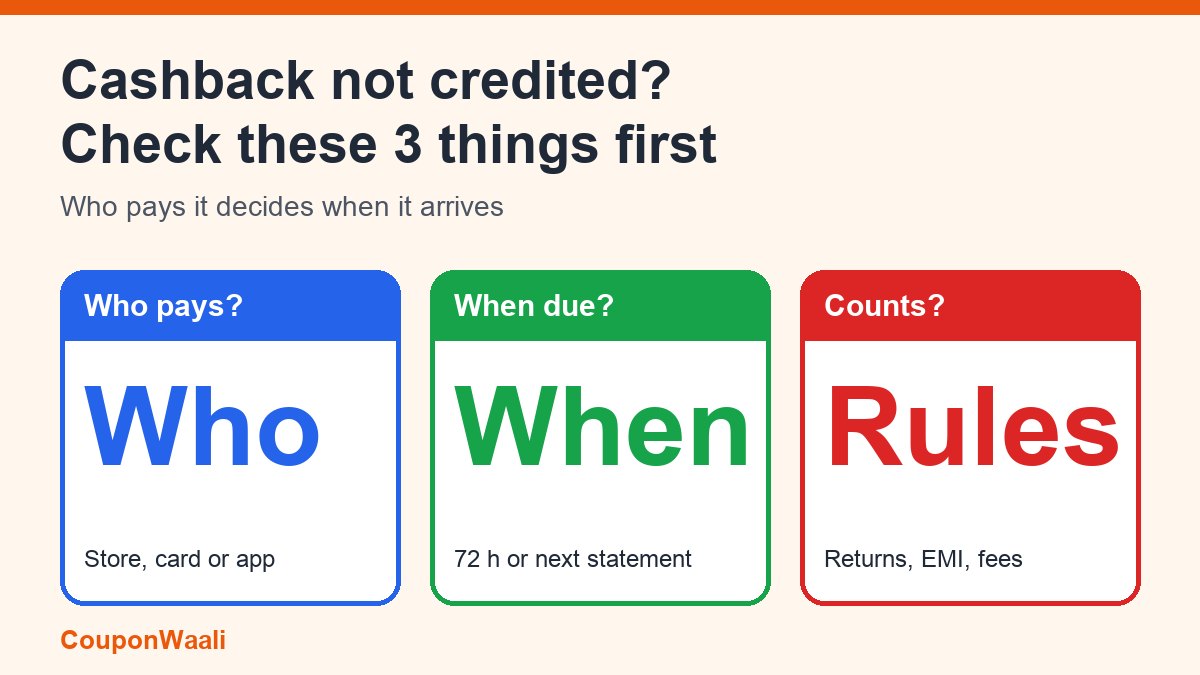
The order arrived, the sale banner promised cashback, and your balance has not moved. With the festive sales running on Amazon and Flipkart, and cashback listed alongside bank discounts, exchange offers and no-cost EMI (FoneArena, 21 Oct 2026), "cashback not credited" is one of the most common questions this month. Most of the time nothing has gone wrong yet: cashback is paid on a schedule, and the schedule depends on who is paying it.
The short answer: there is no single waiting time. Cashback paid by a shopping app usually follows the order (Amazon says its Amazon Pay Balance cashback arrives within 72 hours after the product ships). Cashback paid by a credit card is usually posted around the next statement date, so it can take weeks. And any cancellation or return before the credit can cancel the cashback itself. Find out which of the two you are waiting for, then use the checklist below.
Step 1: Work out who is paying the cashback
This decides everything else, so check it first. Open the offer you clicked and look for the words "credited to":
- The store's own cashback (for example Amazon Pay Balance): credited to a balance in your account, tied to the order.
- A bank or card cashback: credited to the card account or statement, tied to the billing cycle.
- A payment-app reward (a scratch card or reward on a wallet or UPI app): follows that app's own offer terms and timeline.
If you are not sure, the order page and the offer terms usually say. "Bank offers" and store cashback are separate things and you can qualify for both on one order, as Amazon's help page notes (Amazon Pay Cashback Offer FAQs).
How long each type takes, from the published terms
Store cashback: Amazon Pay Balance
Amazon's help page says the cashback is credited to your Amazon Pay Balance within 72 hours after the shipment of the product you ordered. If the order ships in parts, you get the cashback in proportion: its own example splits a ₹100 cashback on a ₹600 item and a ₹400 item into ₹60 and ₹40 as each ships. Two details cause a lot of "missing" cashback:
- You must first collect the reward from the Rewards page in the app, then meet the offer's eligibility criteria.
- The credit goes to the same account that placed the order and cannot be transferred.
To check, open your Amazon Pay transactions or balance statement and look for the credit, instead of waiting for a message.
Credit card cashback: Flipkart Axis Bank card as an example
Card cashback is calculated per billing cycle. Under the terms for the Flipkart Axis Bank Credit Card, cashback for purchases in one cycle is credited in the next billing cycle, three days before the statement generation date. The terms' own example: with a statement on 15 March, cashback earned in the 16 January to 15 February cycle is credited on 12 March (Flipkart Axis Bank Credit Card cashback terms). So a purchase made in late October may not show cashback until December. Other cards run on their own schedules, so read yours.
7 reasons cashback does not arrive
1. It is simply not due yet
Compare today's date with the schedule in the terms: 72 hours after shipment for Amazon Pay Balance, the next statement cycle for a card. Count from the shipment or the billing cycle, not from the order click.
2. The order was cancelled or returned
Amazon states that if an order is cancelled or returned before the cashback is credited, no cashback is issued and you get a full refund of the product value. If it is cancelled or returned after the credit, the cashback is not reversed but is deducted from your refund. Its example: a ₹1,000 order with ₹60 cashback already credited is refunded ₹940. Card terms work similarly: Flipkart's terms for the Axis card say cashback is computed on spends minus returns and refunds, and cashback on a transaction returned after the statement is debited when the return happens.
3. The spend does not count
Card cashback usually excludes some transactions. The Flipkart Axis card terms list fuel, gift cards bought on Flipkart, Myntra and 2GUD, EMI transactions, purchases converted to EMI later, wallet loading, gold items, cash advances, payment of outstanding balances and card fees. If you paid through one of these routes, no cashback is due.
4. You did not claim the reward or meet the condition
Many cashbacks need a step before purchase: collecting a reward, adding a code, paying with a specific method or hitting a minimum order value. The offer's eligibility lines are the checklist.
5. A different account or payment method was used
Cashback goes to the account that placed the order. If you ordered from a relative's login or paid with a card the offer did not cover, the credit may not be yours or may not exist.
6. Cashback is not cash
Amazon's page says Amazon Pay Balance cannot be redeemed or exchanged for cash. A credit can be present and still not be what you expected, so read what form the offer promises: balance, gift card, scratch card, statement credit or bank credit.
7. The card account is not in good standing
Card terms commonly withdraw cashback if the card is cancelled, converted to another card or the account is delinquent. Under the Flipkart Axis terms, unused cashback is forfeited on cancellation of the card.
What to do if the deadline has passed
- Save evidence: a screenshot of the offer with its terms, the order ID, the payment method and date, and the invoice.
- Check where it should appear: Amazon Pay transactions for store cashback, the monthly card statement for card cashback. Cashbacks earned or reversed in a cycle appear in that statement.
- Contact the right party first: the store's help section for store cashback, the card issuer's customer care for card cashback. Quote the order ID, the offer name and the date you expected it.
- Ask for a ticket number and a written reply, and give them the time their reply states.
- Escalate if needed: complaints against e-commerce companies can go to the National Consumer Helpline (1915). For a bank or card issue, you can take it to the RBI's online complaint portal (cms.rbi.org.in) after the bank has had a chance to reply.
Avoid these cashback mistakes before you buy
- Choose the offer that pays now where the price is close. An instant discount is already in your price; cashback depends on conditions afterwards. We compared them in Instant Discount vs Cashback vs No-Cost EMI Explained.
- Do not count cashback in the "final price" if you might return the item.
- If the offer vanished at checkout, see why a bank offer does not apply.
- Make sure the starting price was real: our five-minute check for fake discounts comes first.
- Never share an OTP, card PIN or CVV with anyone who says they will "release" your cashback. Real cashback is credited; it is never unlocked by a call or link.
FAQ
How long does cashback take to be credited?
It depends on the payer. Amazon says its Amazon Pay Balance cashback is credited within 72 hours after shipment; Flipkart's Axis card terms credit cashback in the next billing cycle, three days before the statement date. Other offers have their own timelines in the terms.
Will cashback be taken back if I return the product?
It can be. Amazon deducts credited cashback from the refund, and the Flipkart Axis card terms debit cashback when a transaction is returned after the statement. If the return happens before the cashback is credited, it is typically never issued.
Can I withdraw cashback to my bank account?
Not always. Amazon Pay Balance cannot be redeemed or exchanged for cash. Statement credits reduce your card bill rather than paying you out. Check what form the offer promises.
The sale has not ended. Should I wait?
Some offers pay after the sale or the billing cycle. Check the date in the terms before contacting support, and save the screenshot now in case the offer page changes.
Sources: Amazon.in Help: Amazon Pay Cashback Offer FAQs (read 1 November 2026); Flipkart: Terms & Conditions for the Flipkart Axis Bank Credit Card Cashback Proposition (read 1 November 2026); FoneArena: Amazon Great Indian Festival 2026 Reloaded deals, 21 October 2026. Offer terms change often, so always read the terms on the offer you are using. More guides on the CouponWaali blog; how we work: About CouponWaali and our disclaimer.